SitRep · Product demonstration

Three seconds is enough.

See the room change, the display simplify and a classroom action become a reviewable record.

No concept film

The product, doing the work.

Each demo plays once as it enters view, settles on the useful final frame and can be replayed deliberately.

01 · Explainable arrangement

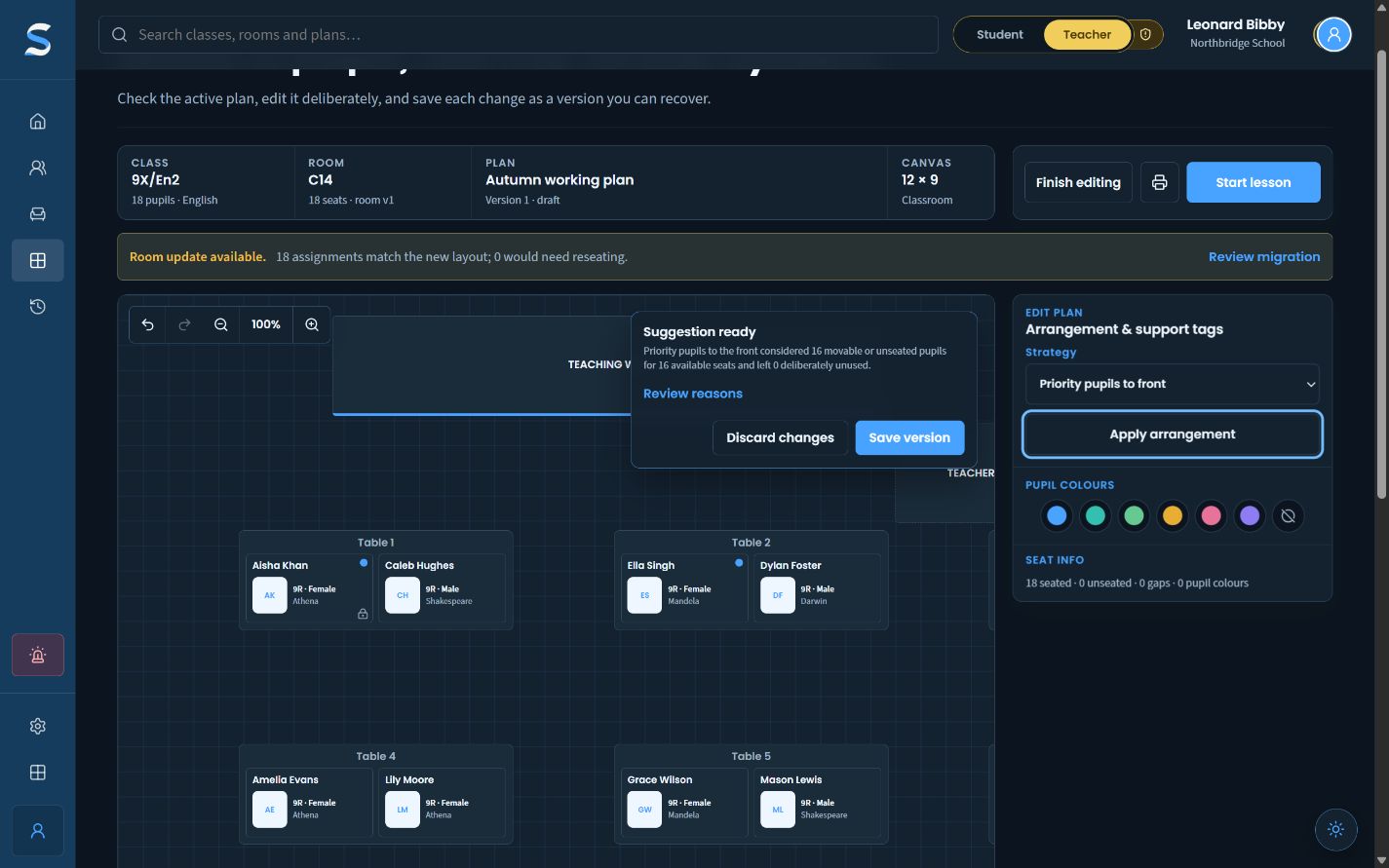
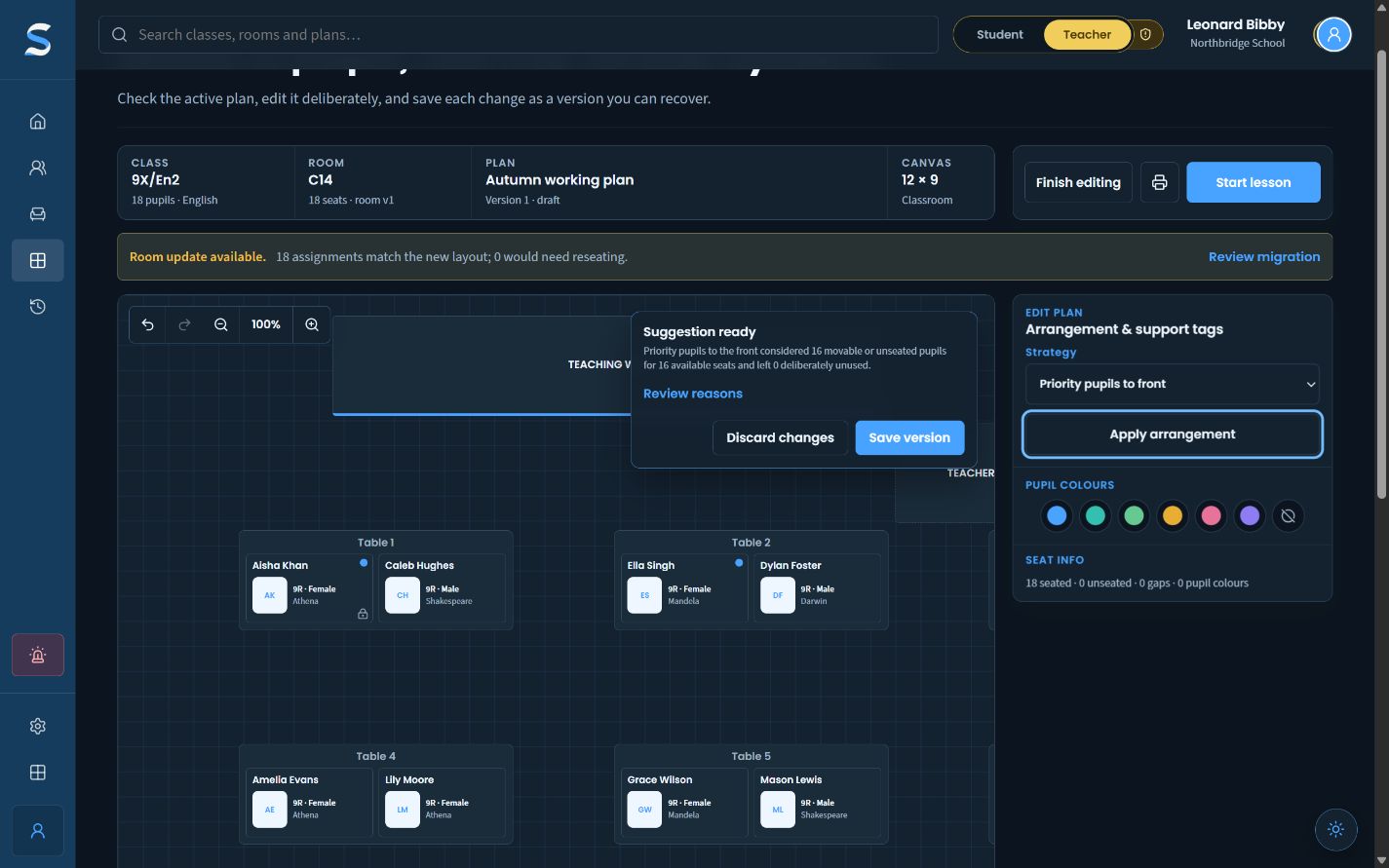
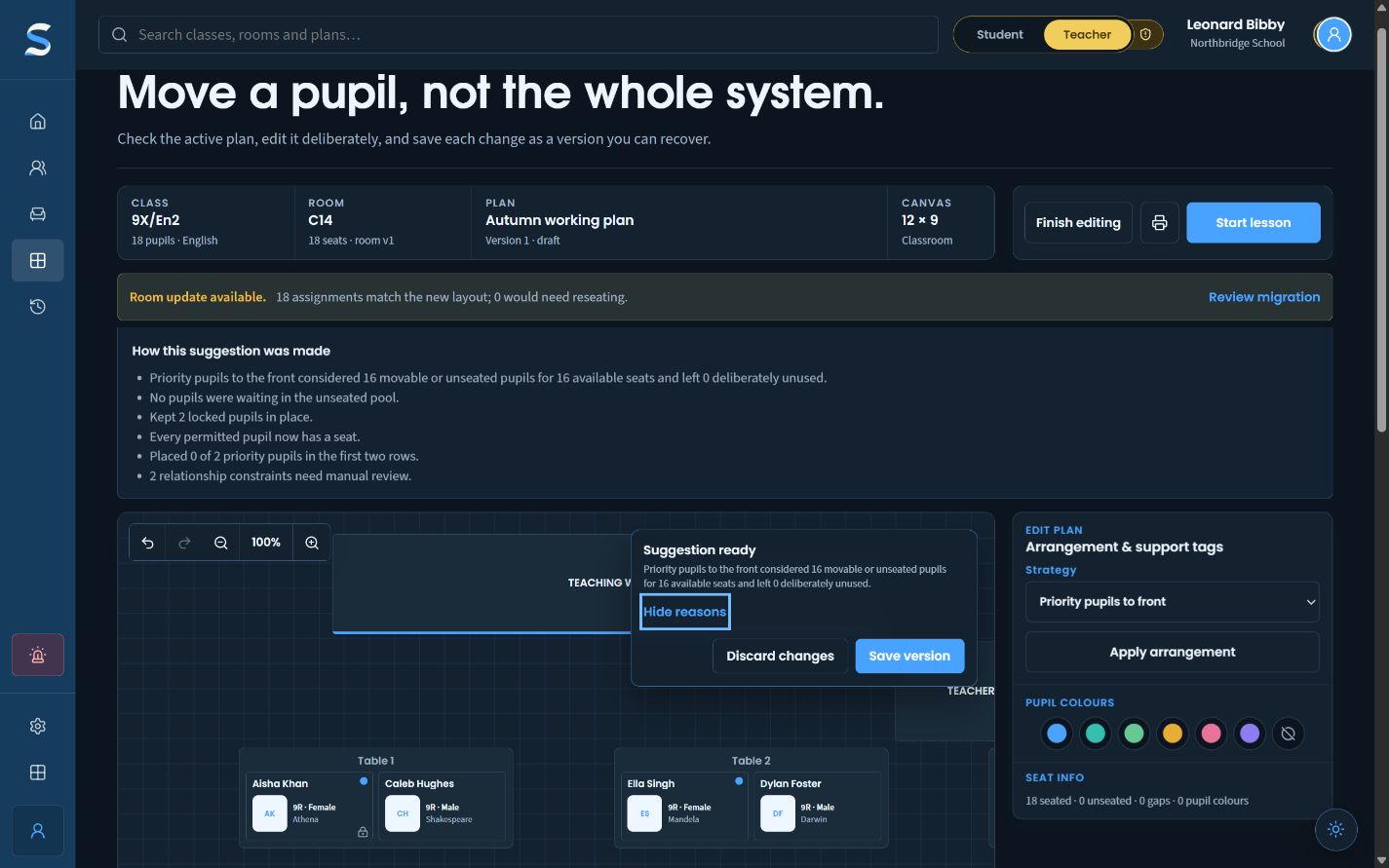
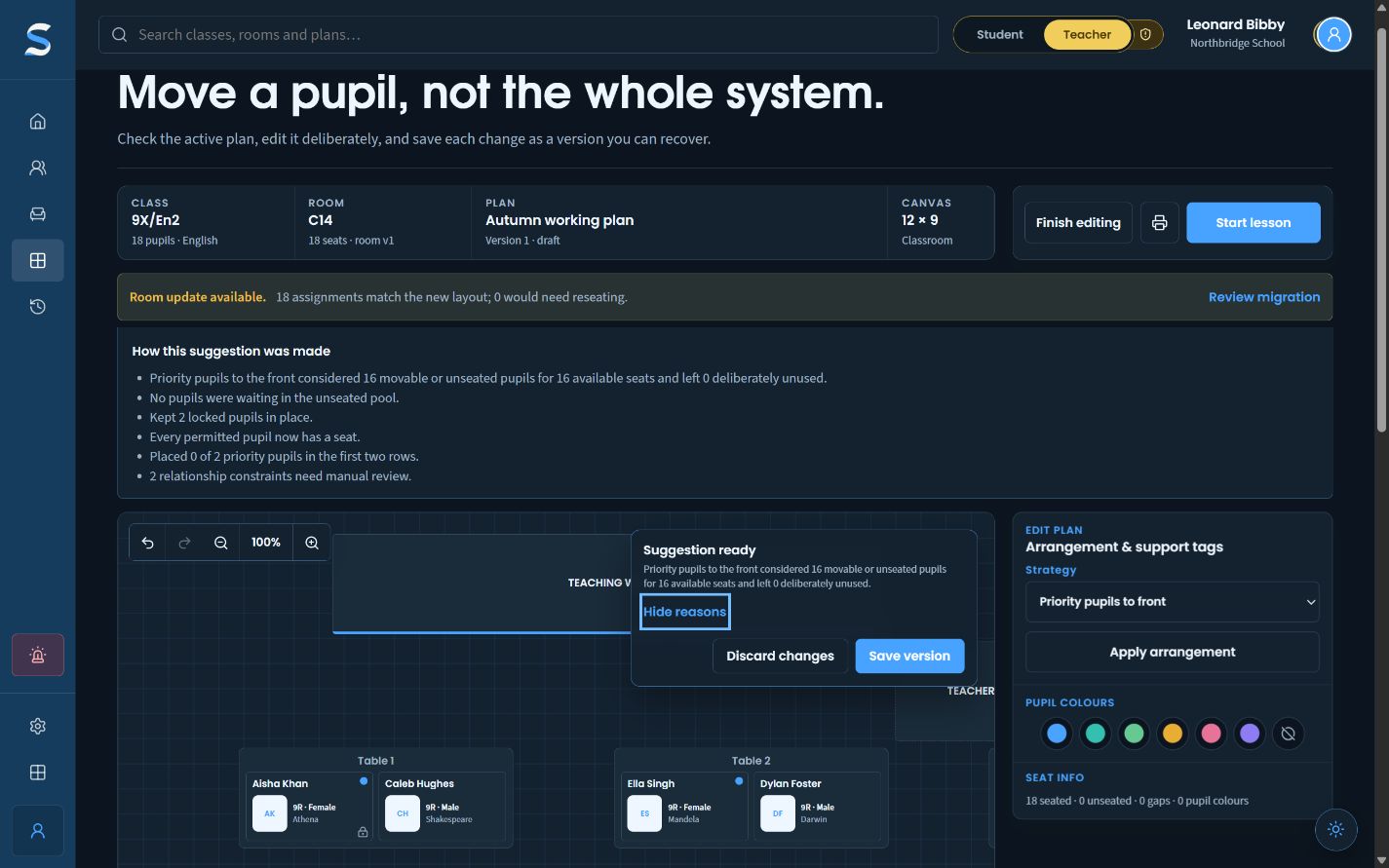
Make the move. Keep the reason.

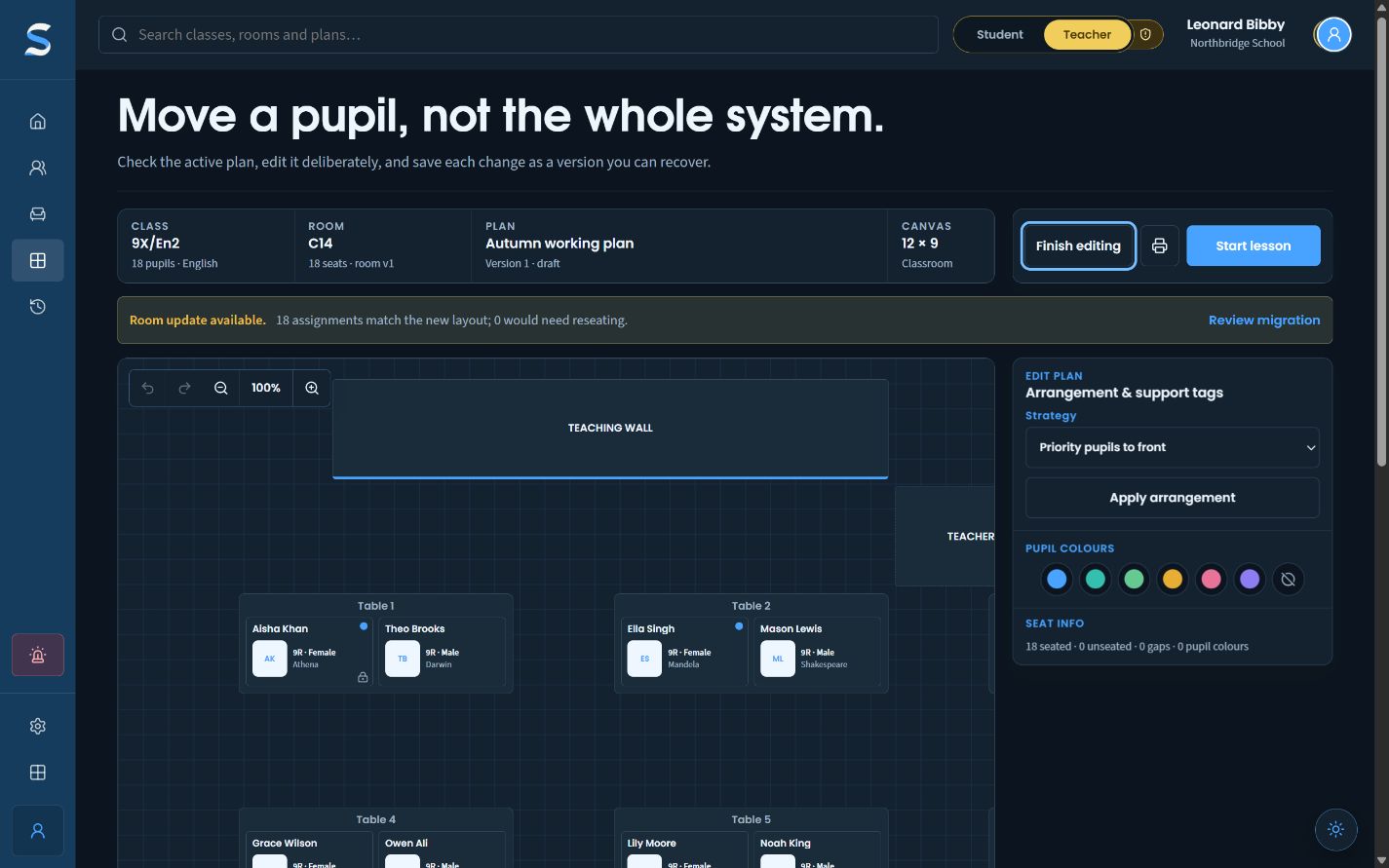
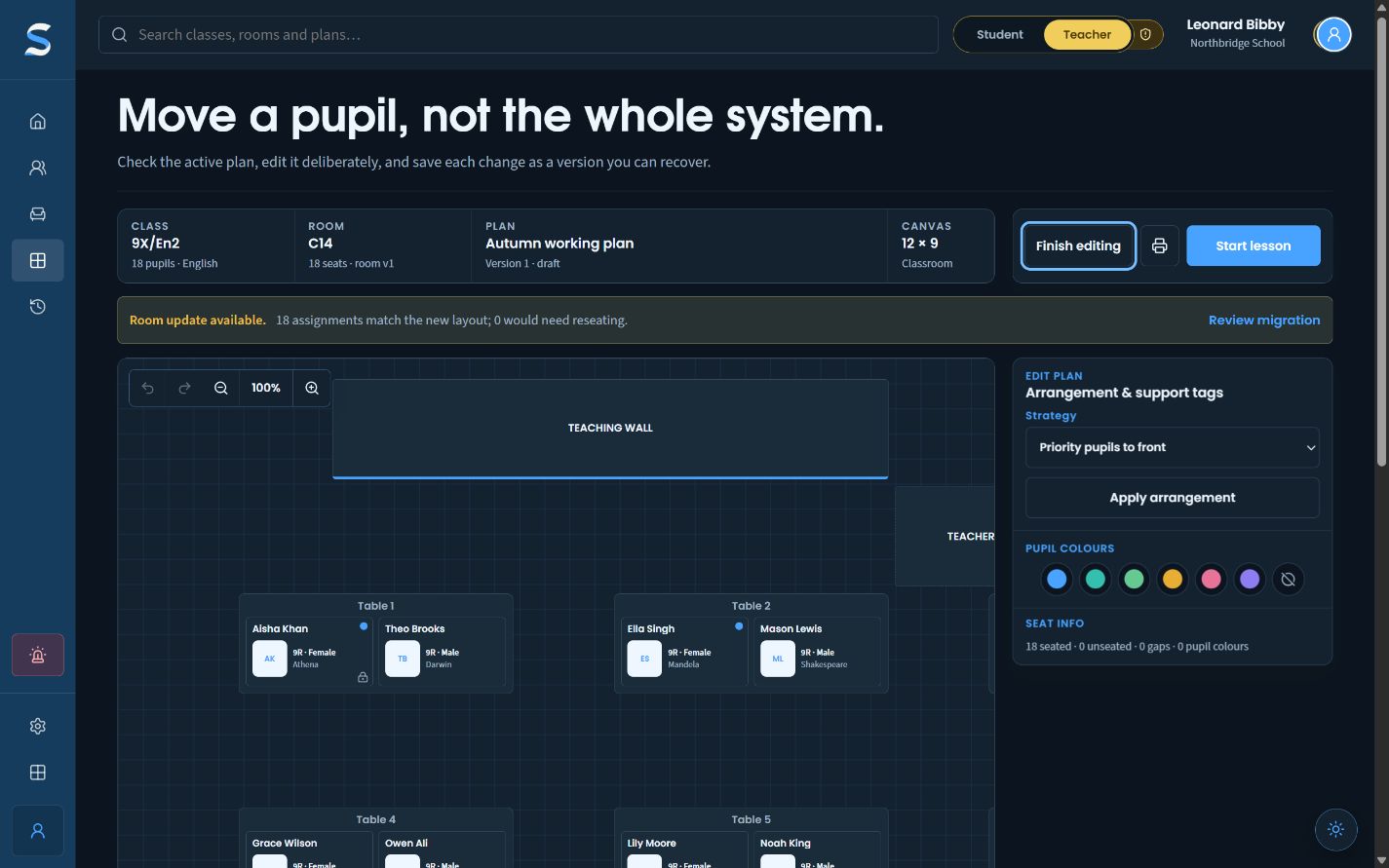
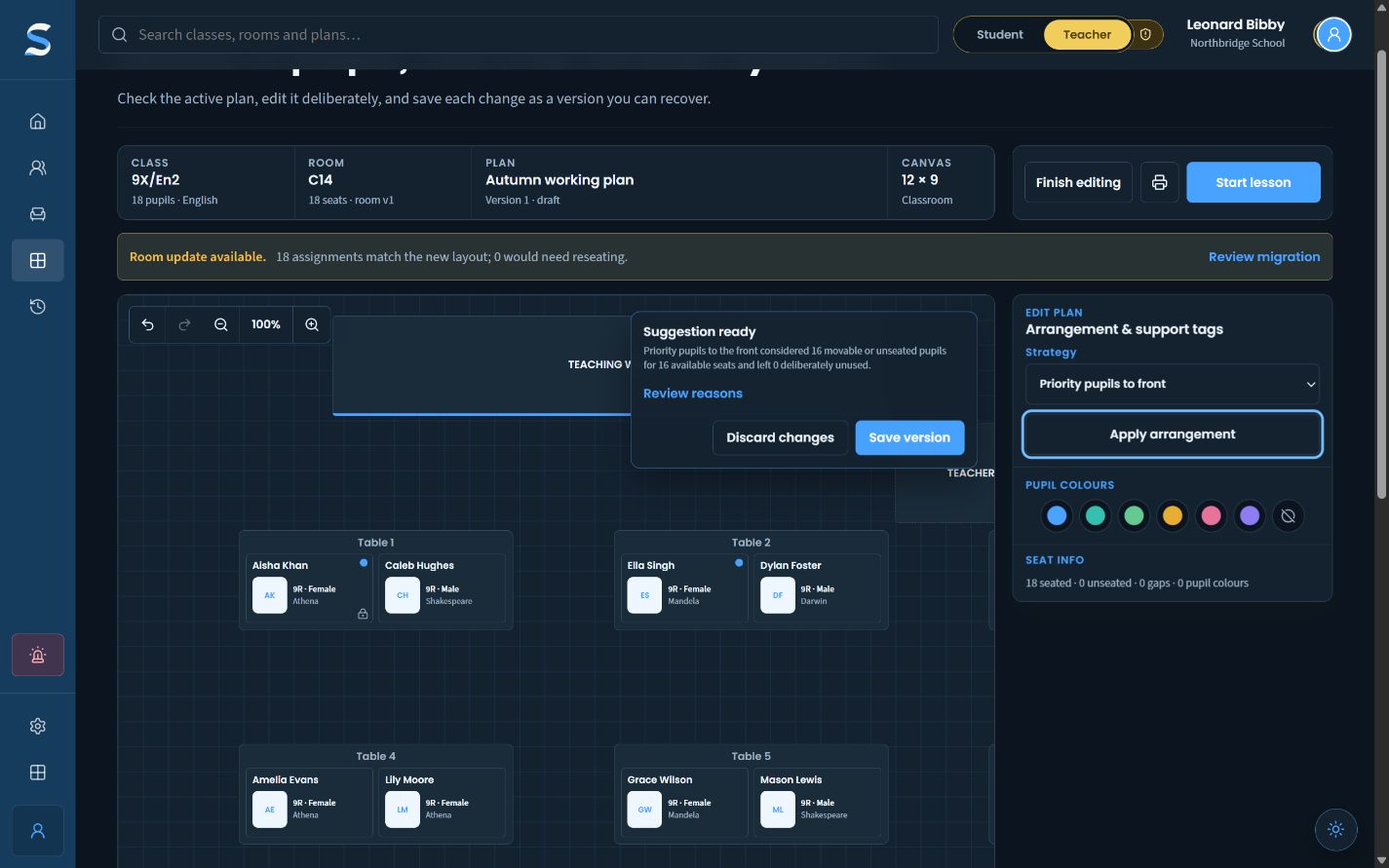
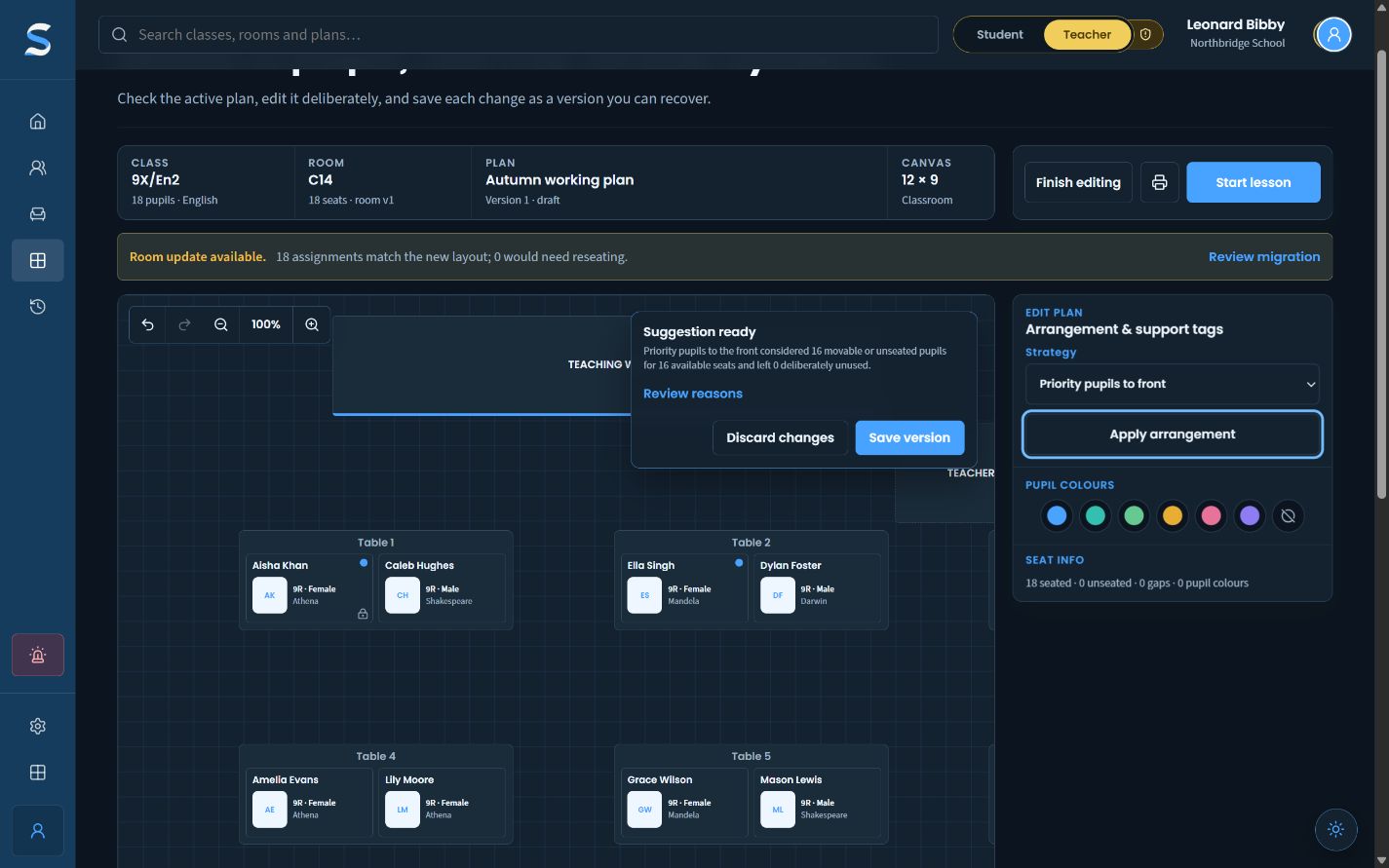
A teacher can try a deliberate arrangement, inspect what changed and read the reasons before saving a new plan version.
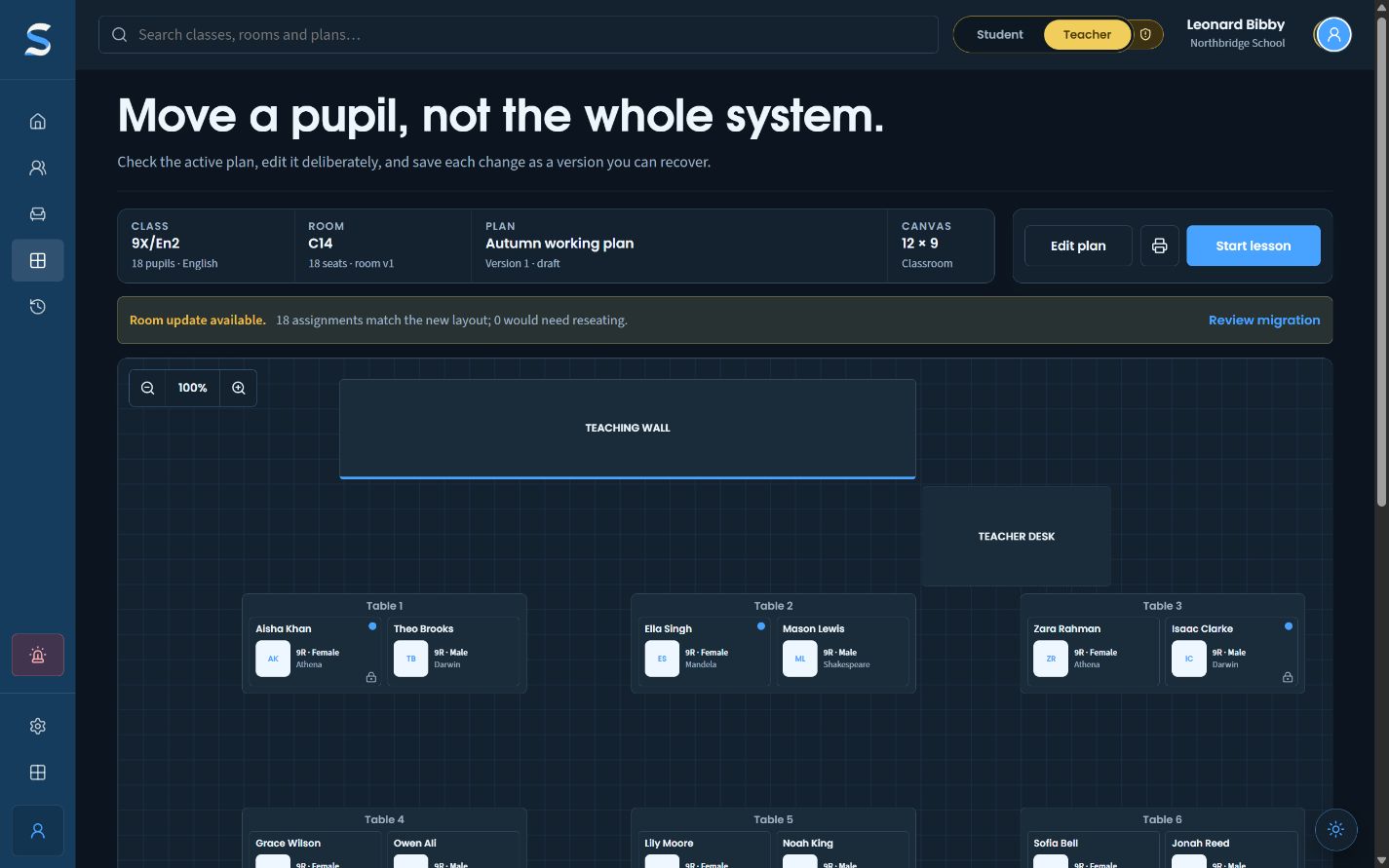
A pre-populated SitRep paired-classroom plan for 18 fictional pupils.Fictional Northbridge School data
  1. 01Choose a strategy
  2. 02Inspect the suggestion
  3. 03Read why it moved
Open the workflow

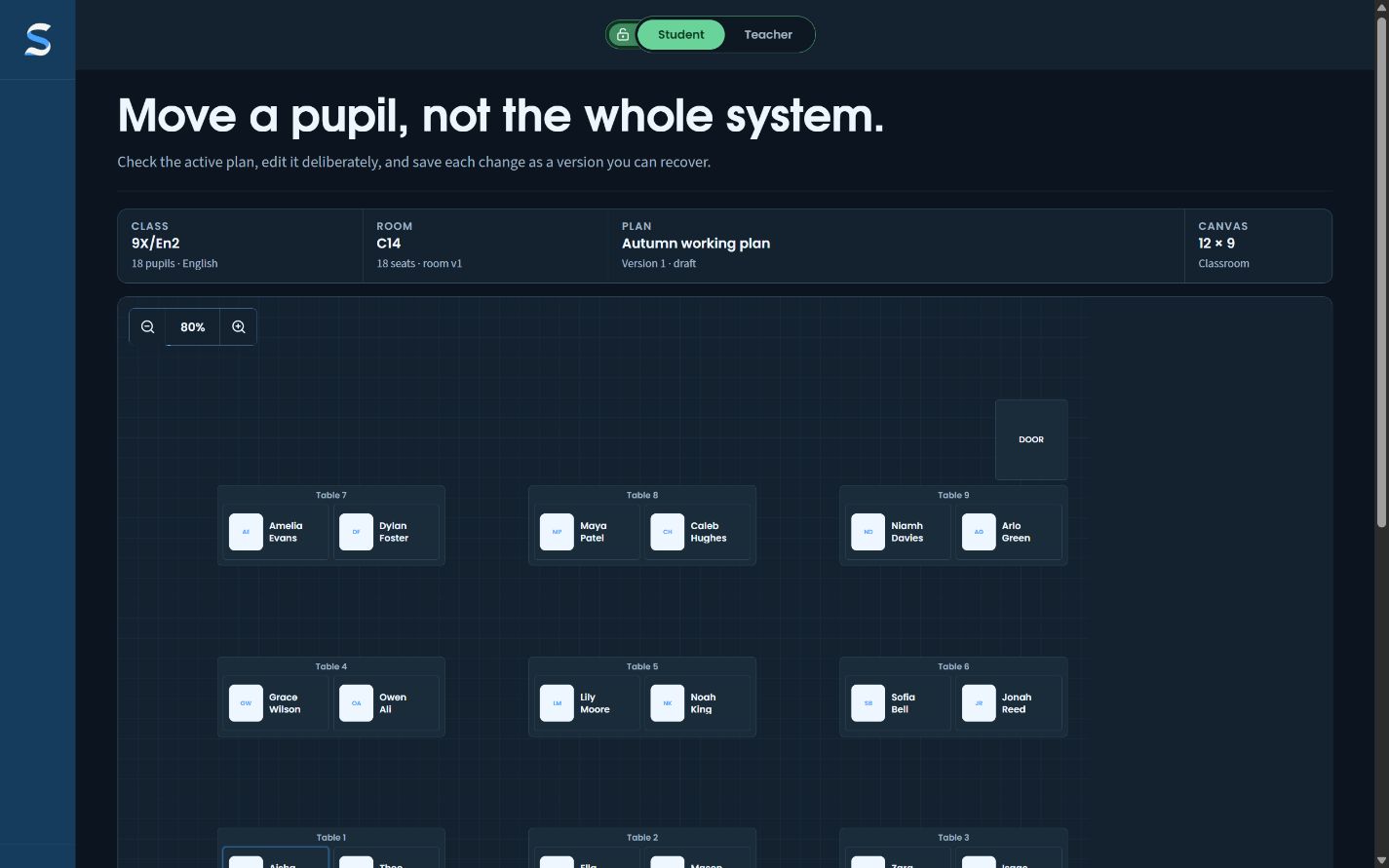
02 · Audience-aware plan

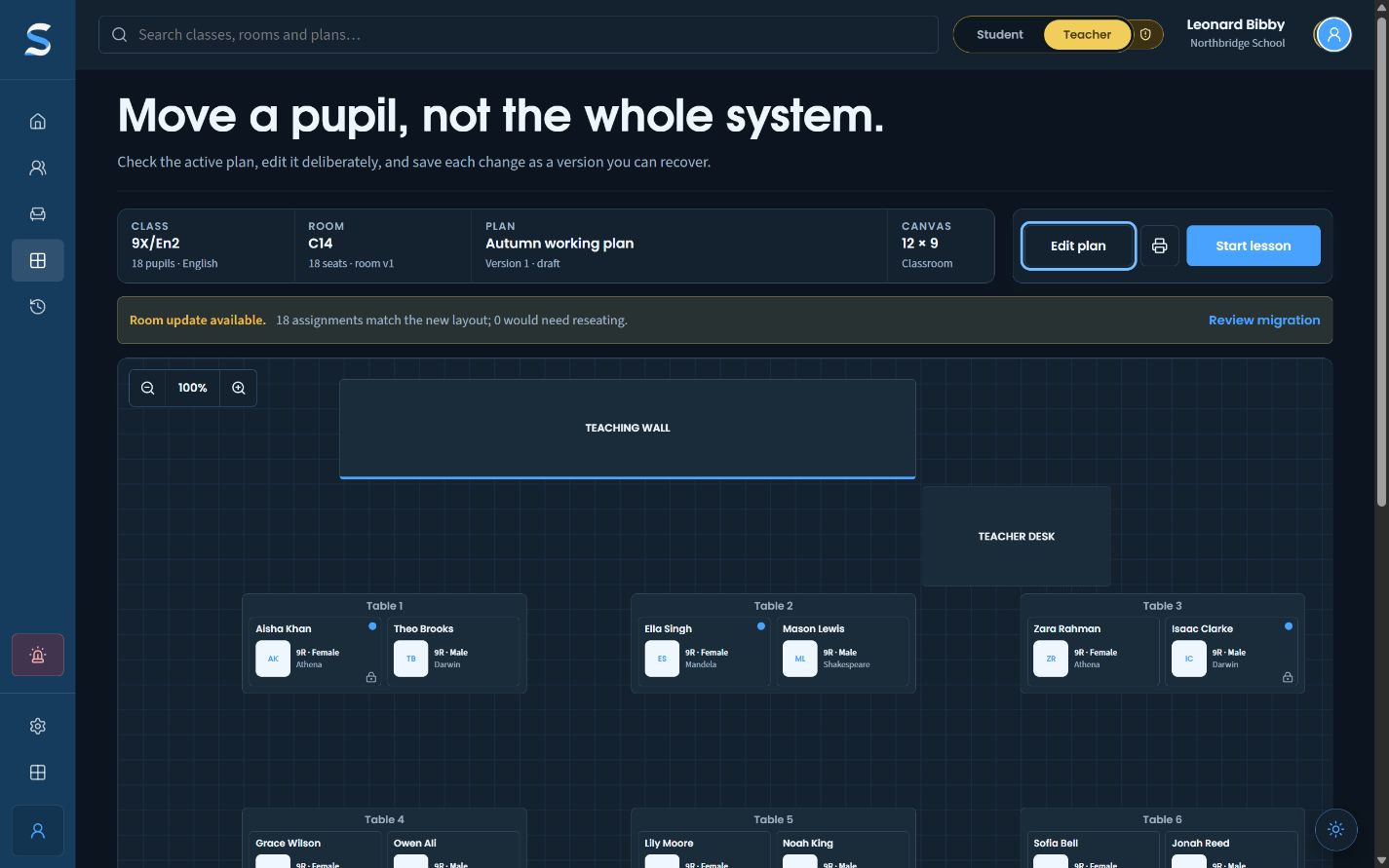
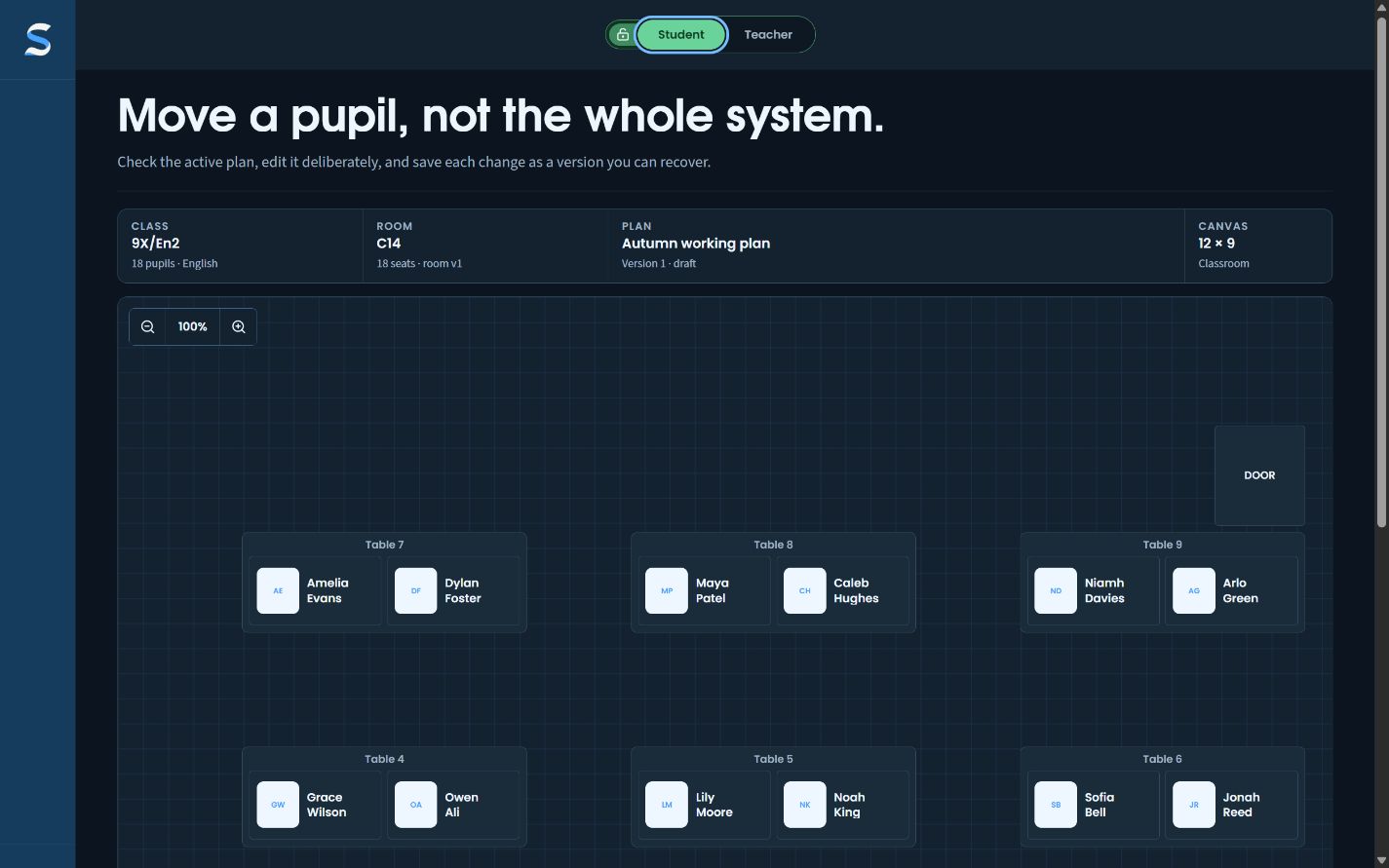
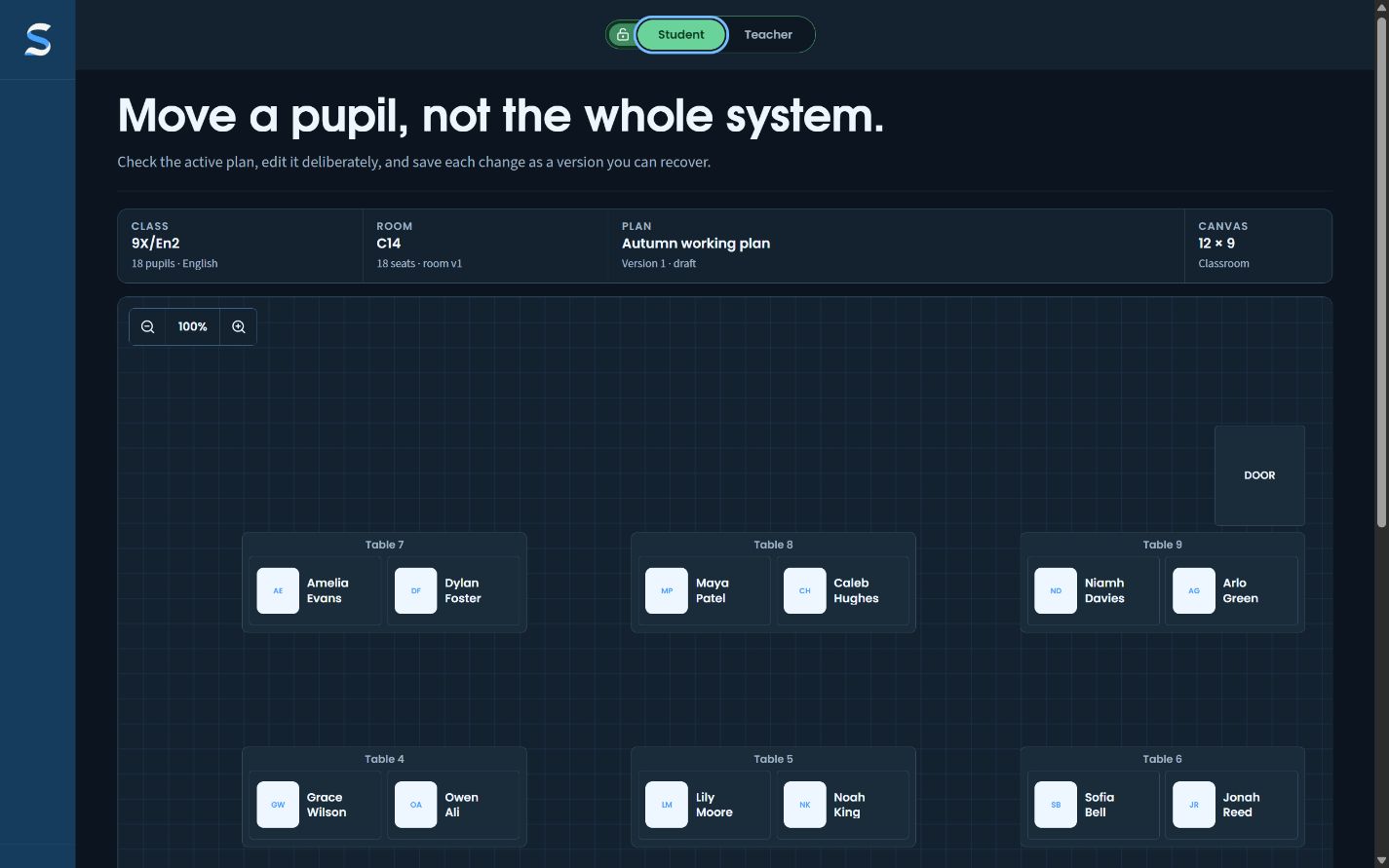
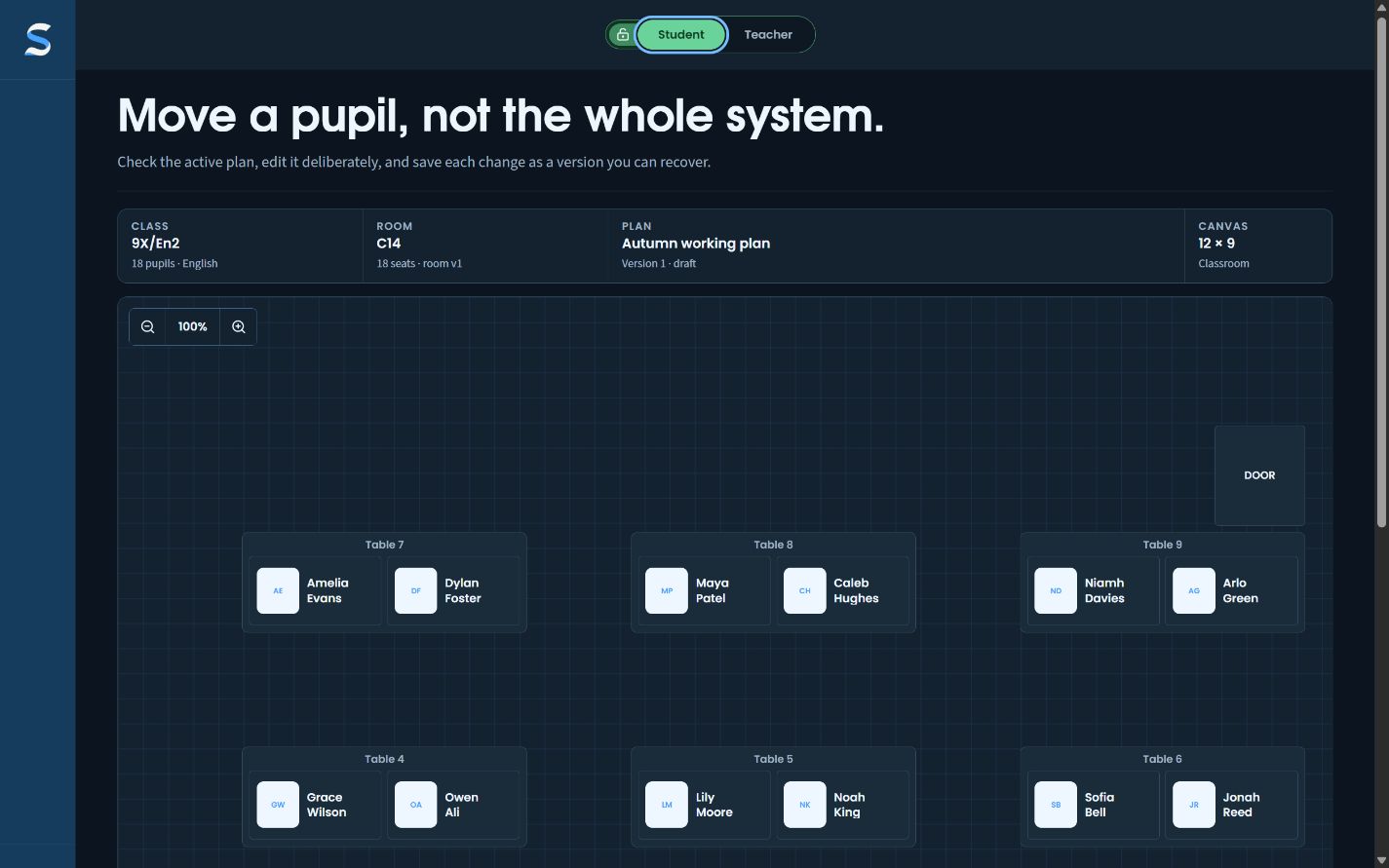
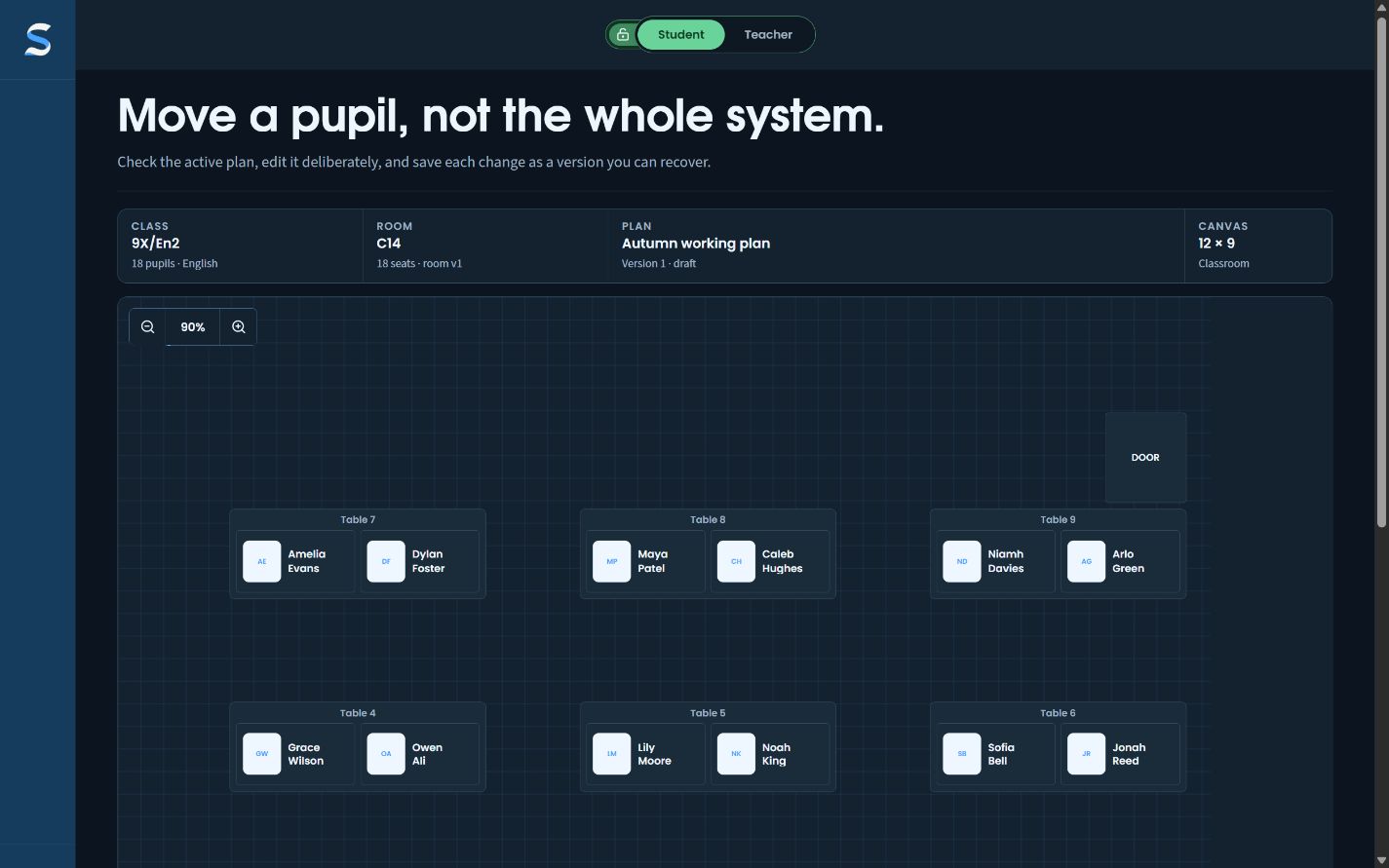
Change the view. Not the room.

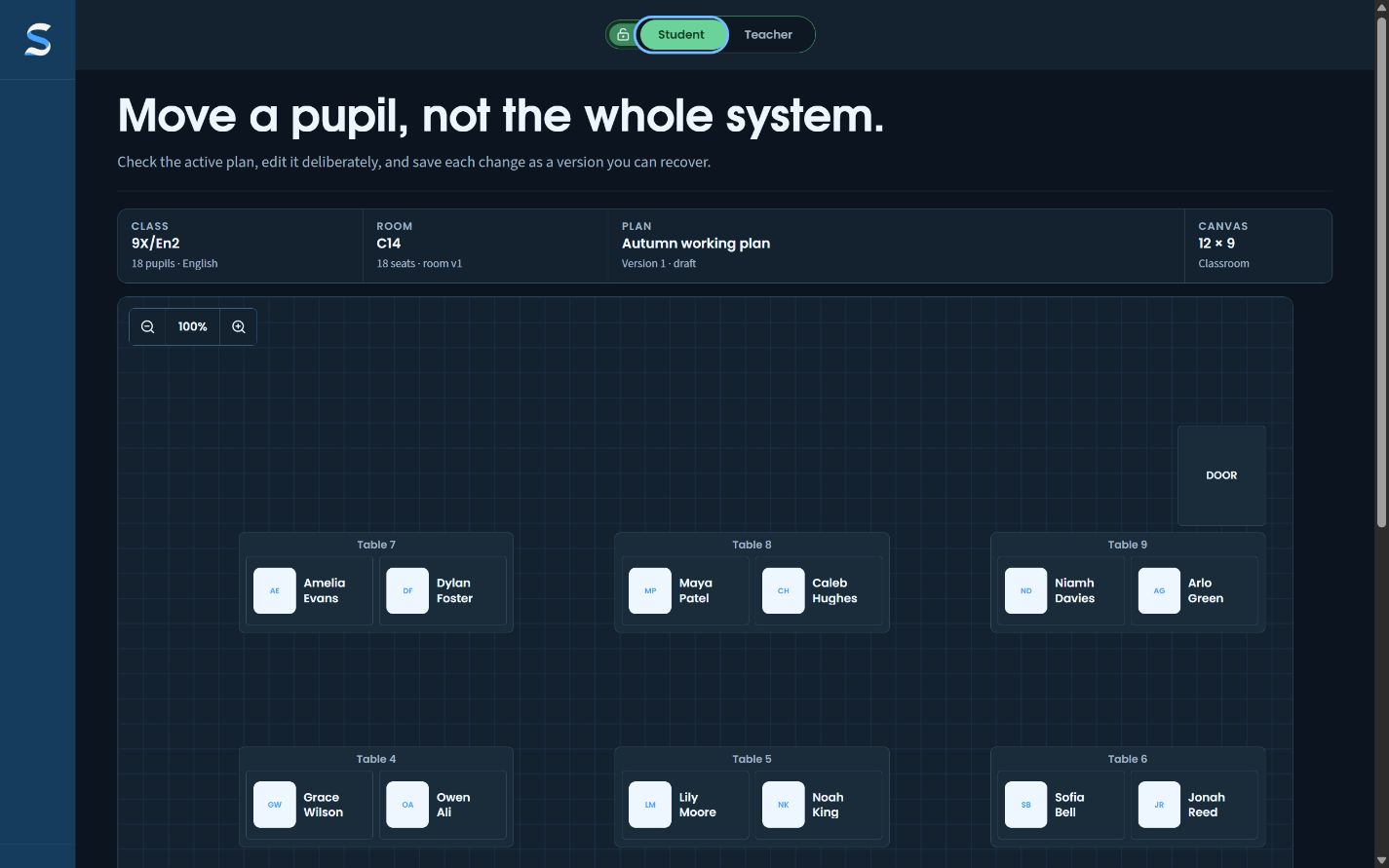
The same live plan can move from a teacher-facing working view to a names-only student view without producing a second, stale copy.

SitRep teacher-facing paired-classroom plan with permitted planning context visible.Fictional Northbridge School data
  1. 01Work in teacher view
  2. 02Switch the audience
  3. 03Project only what is needed
Open the workflow

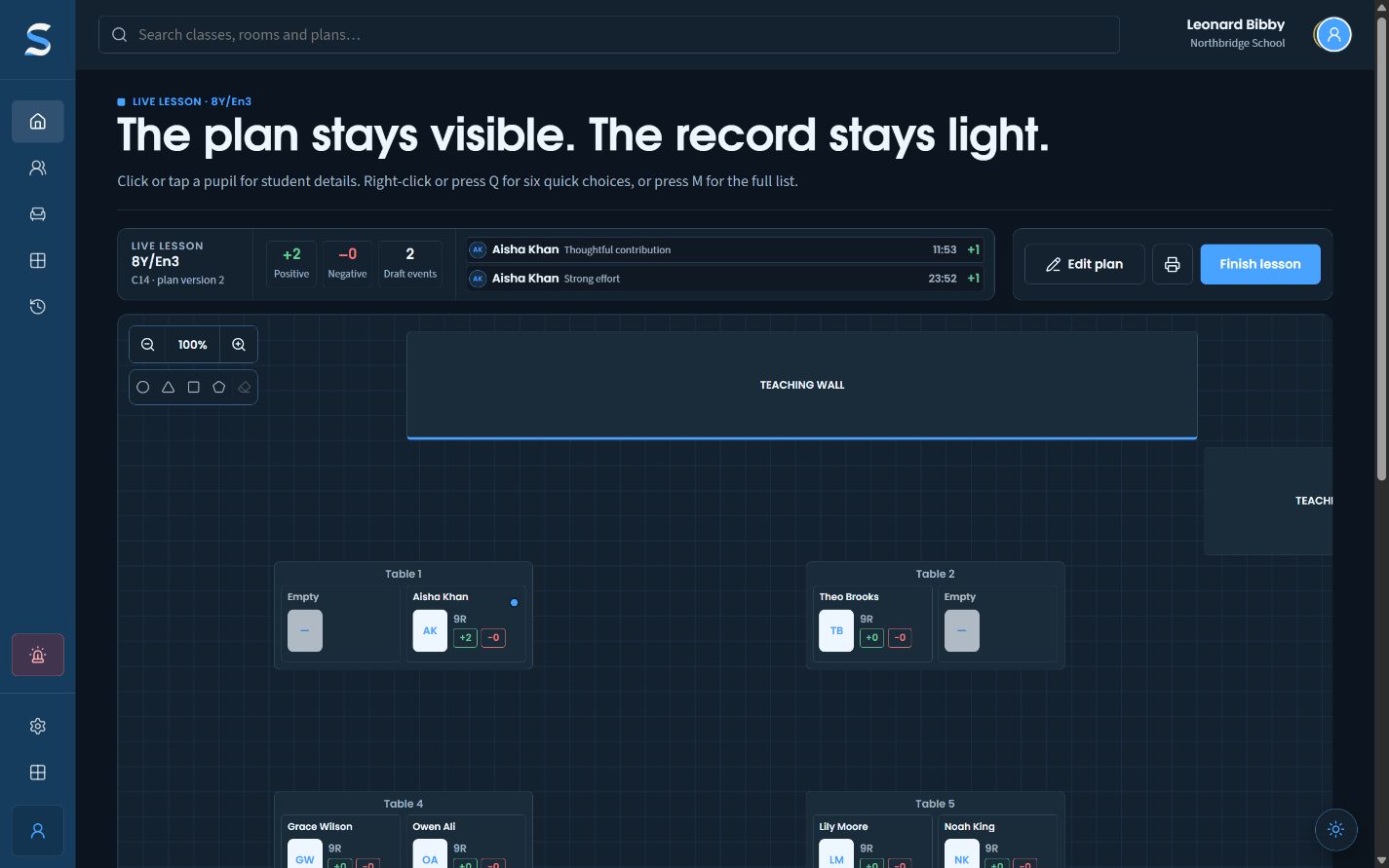
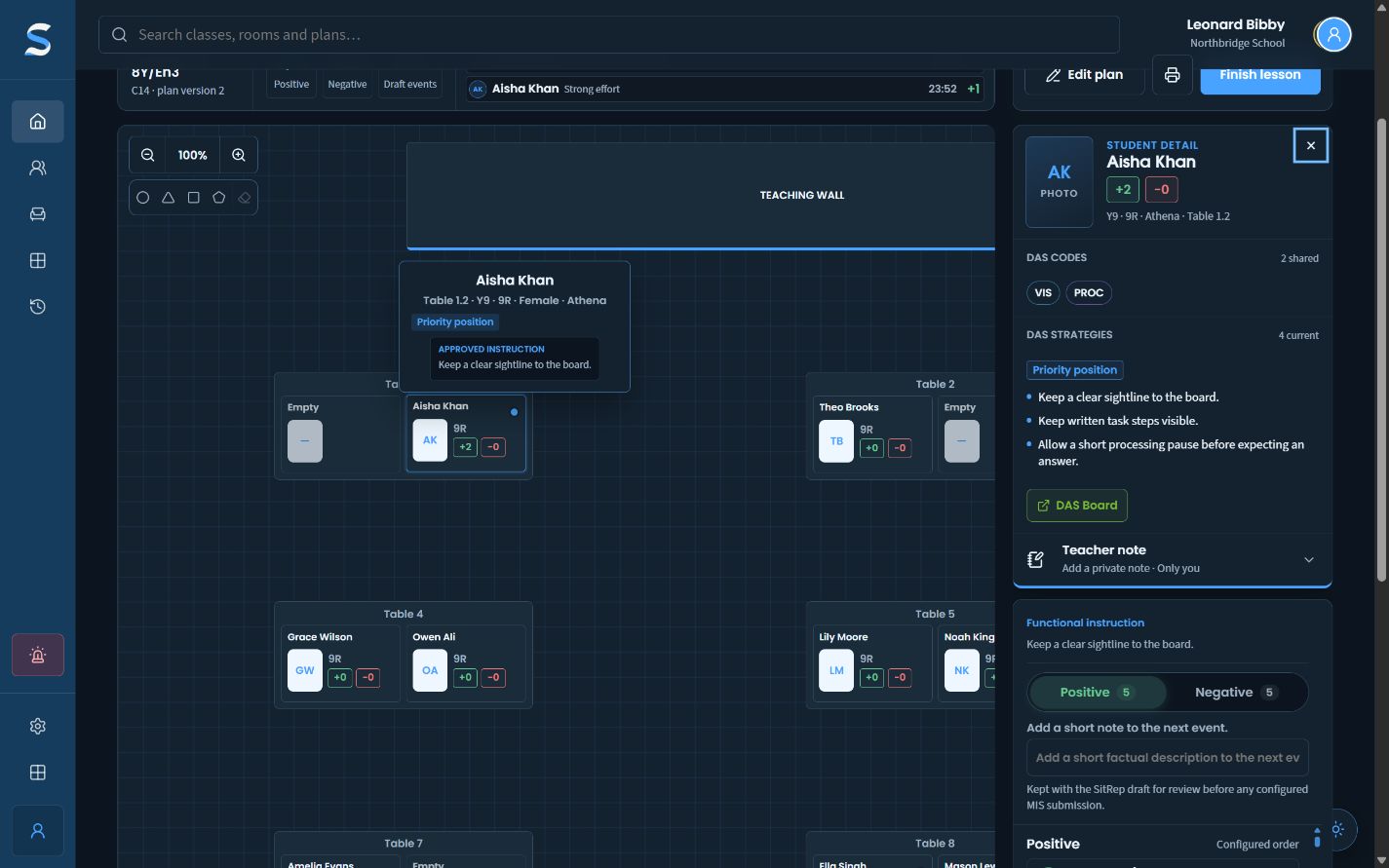
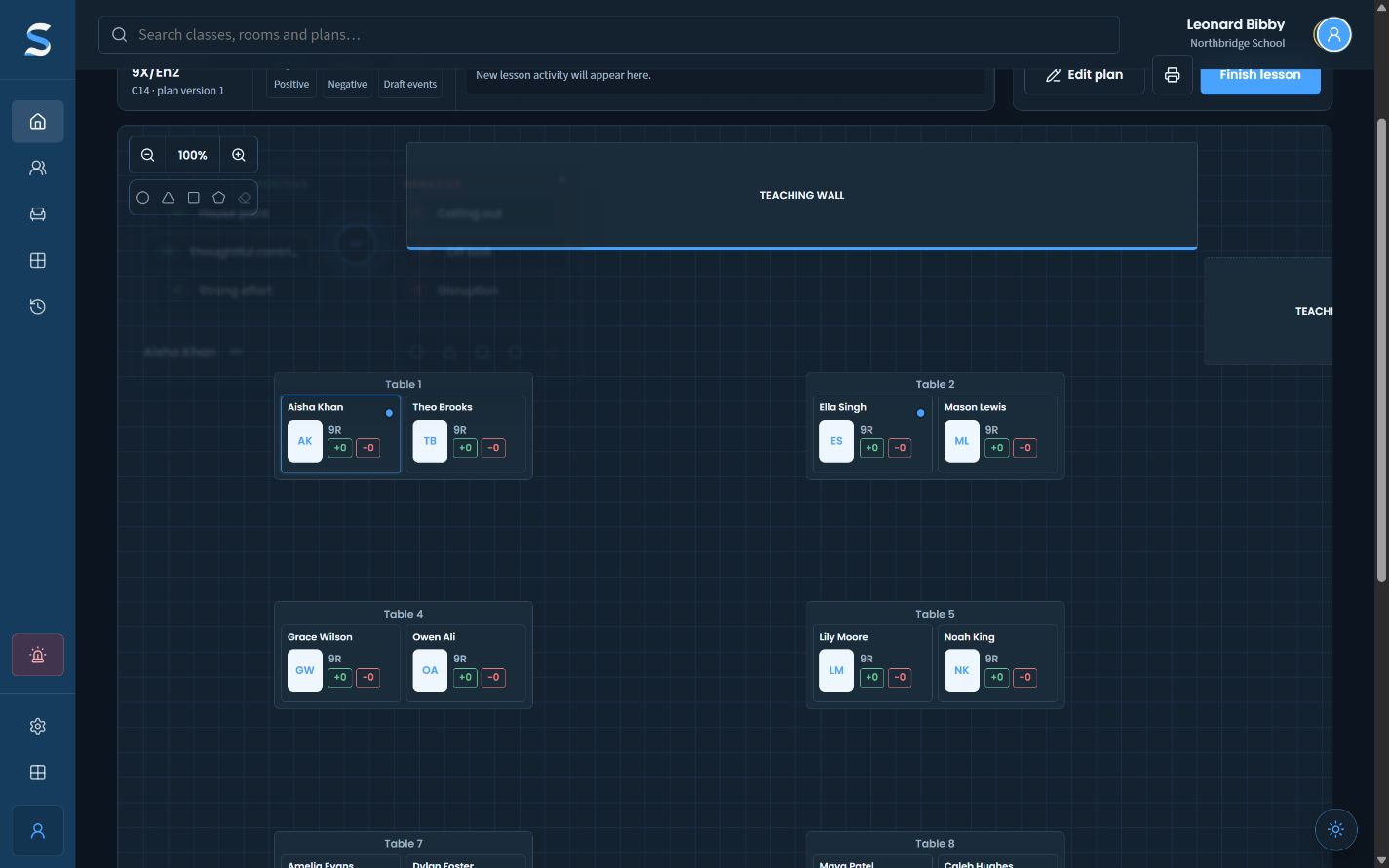
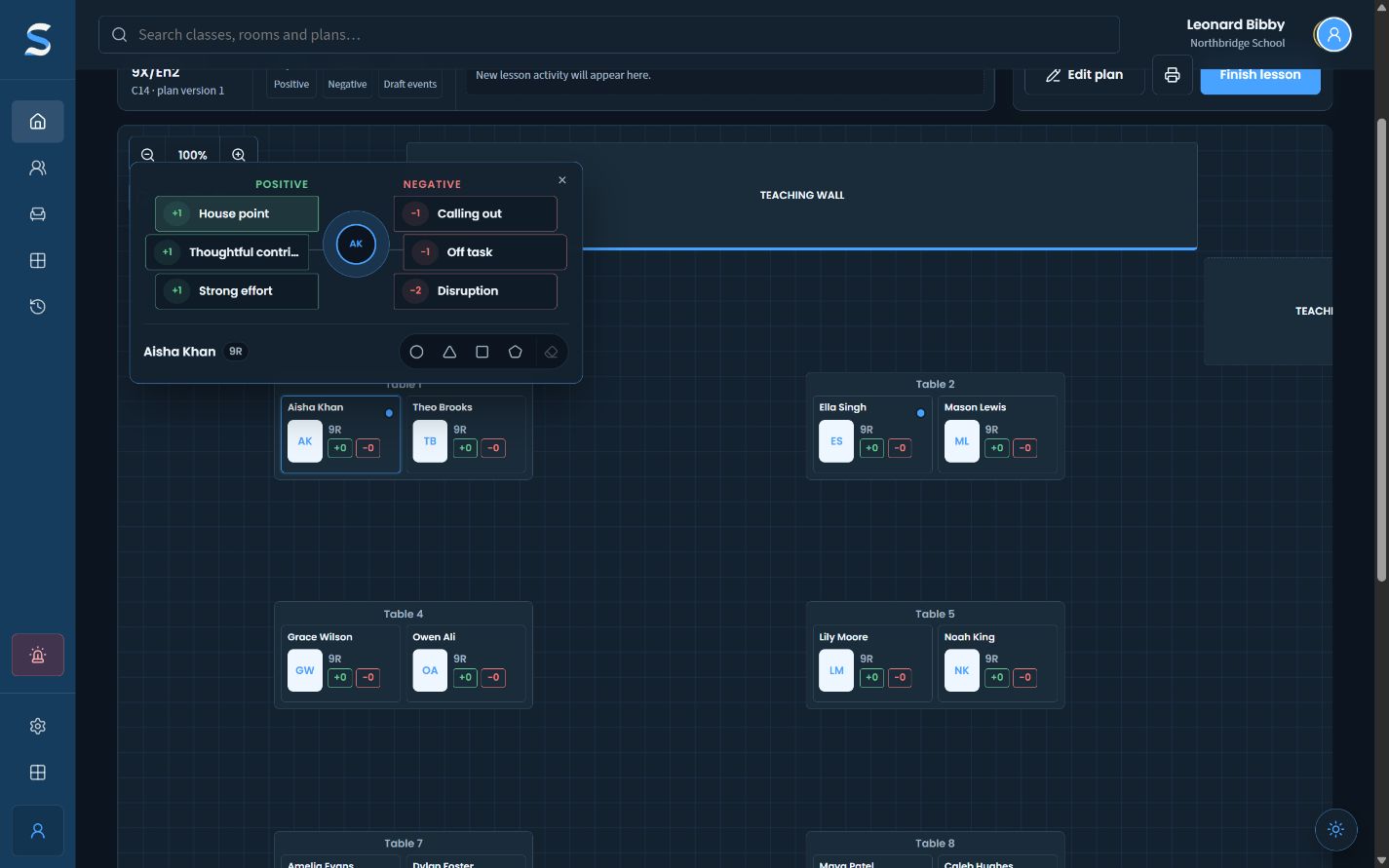
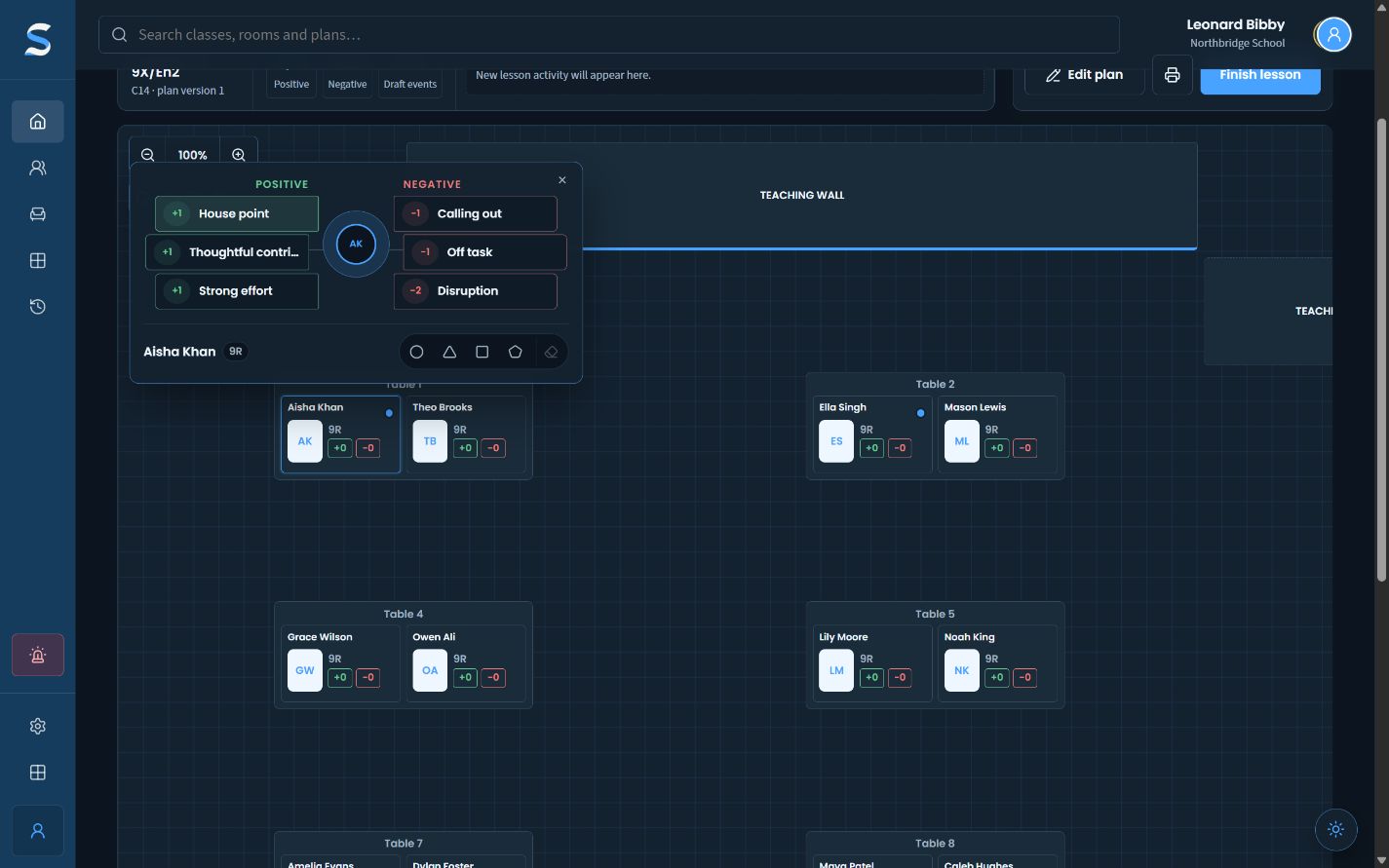
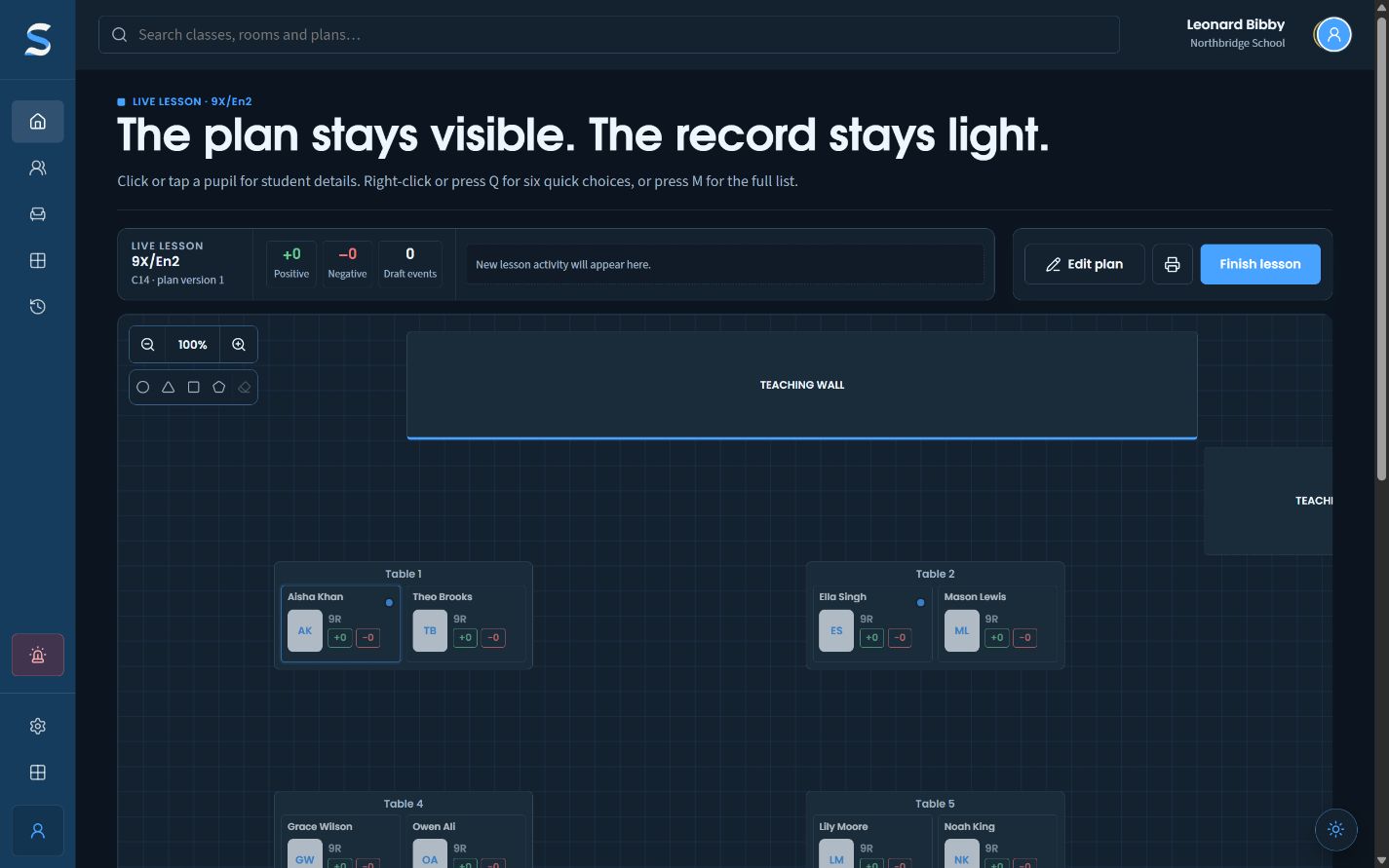
03 · Live lesson record

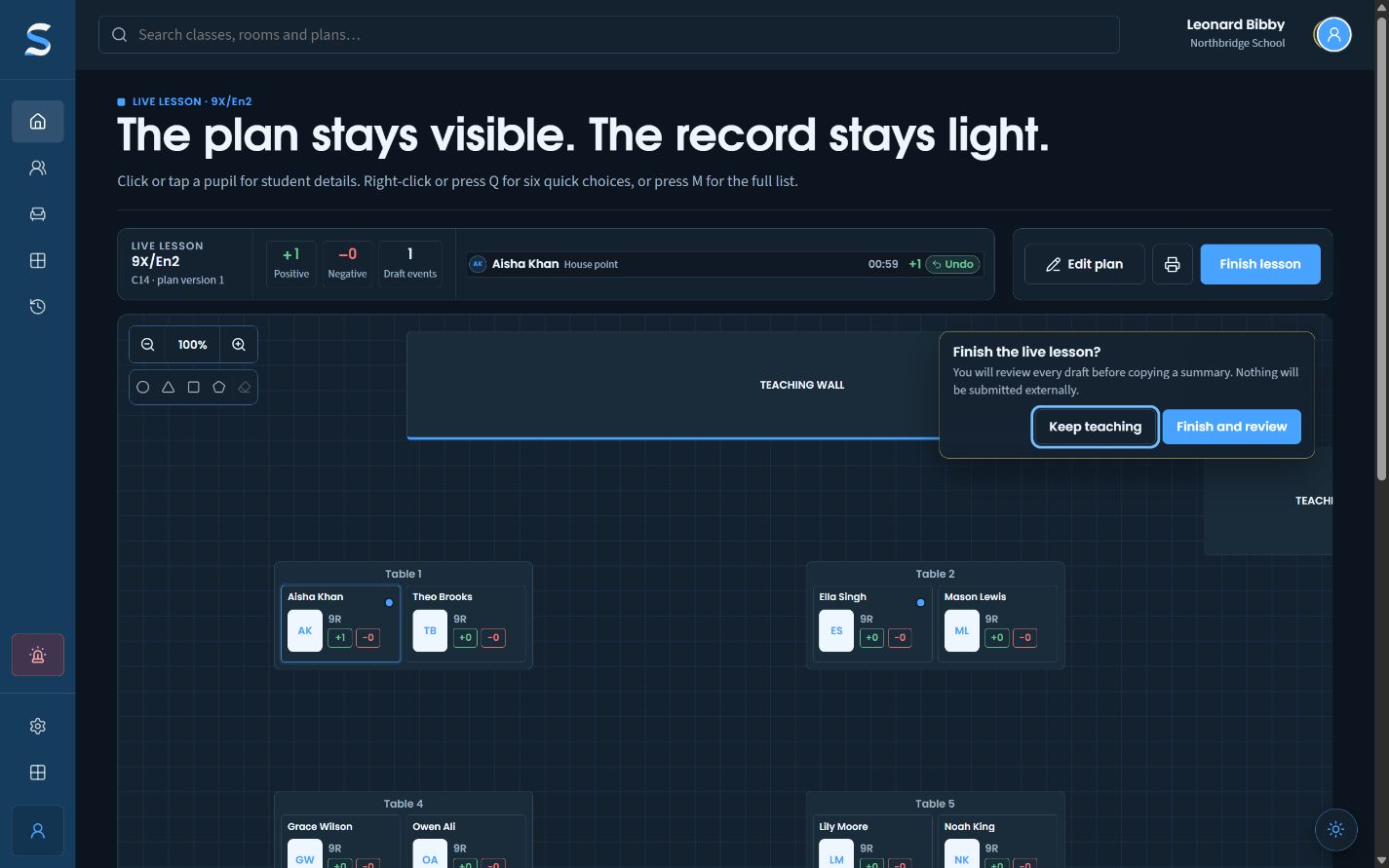
Record quickly. Claim carefully.

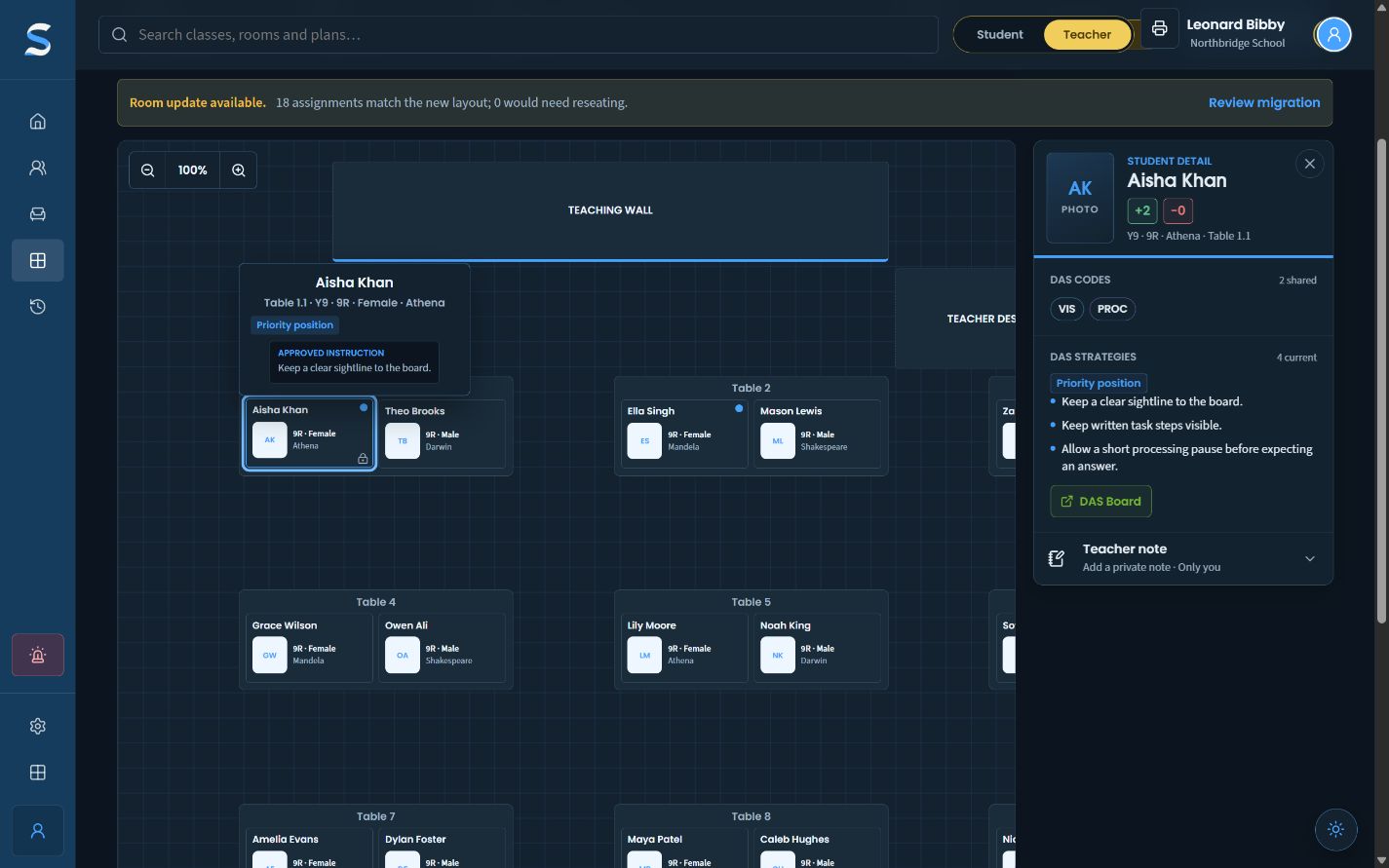
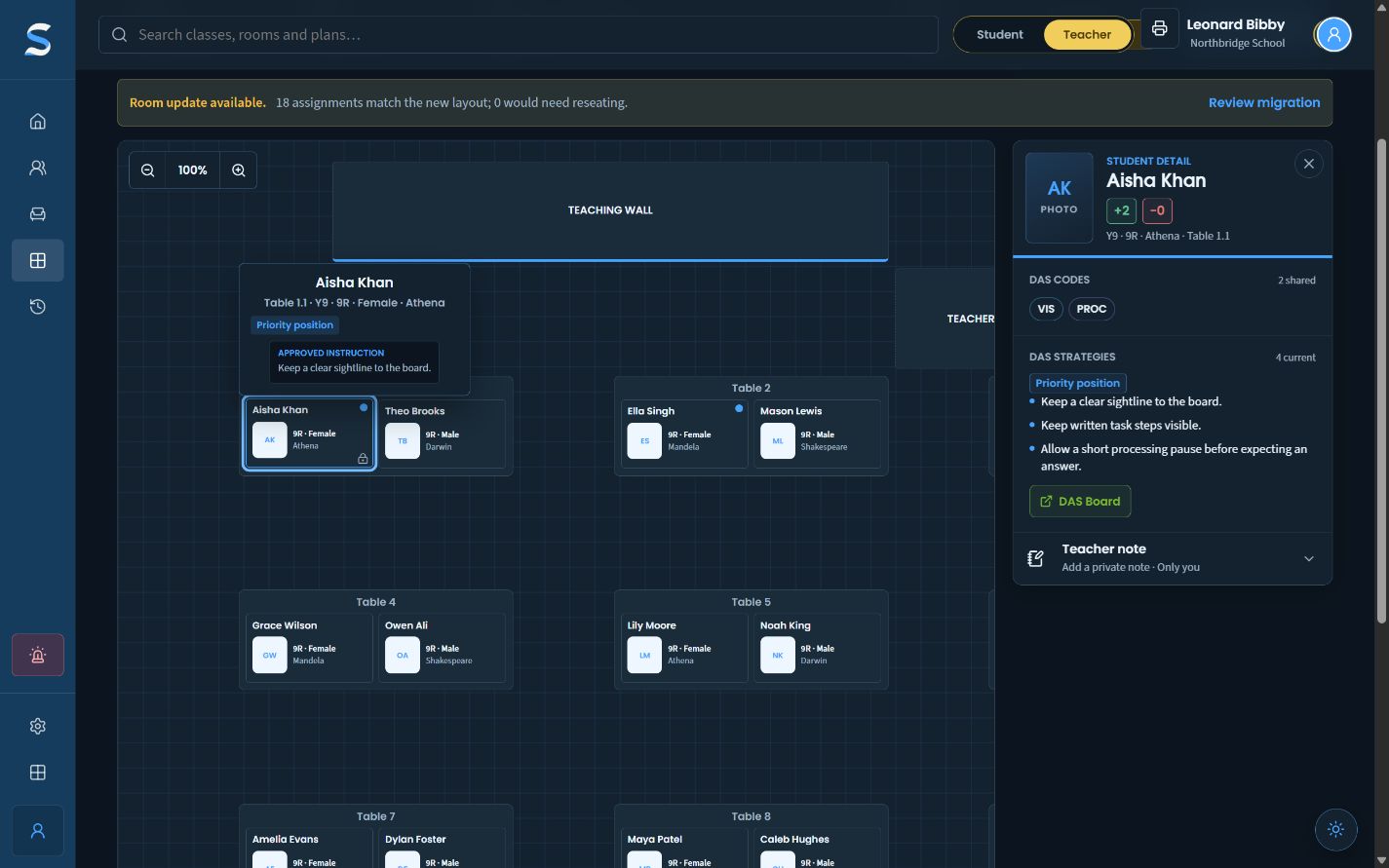
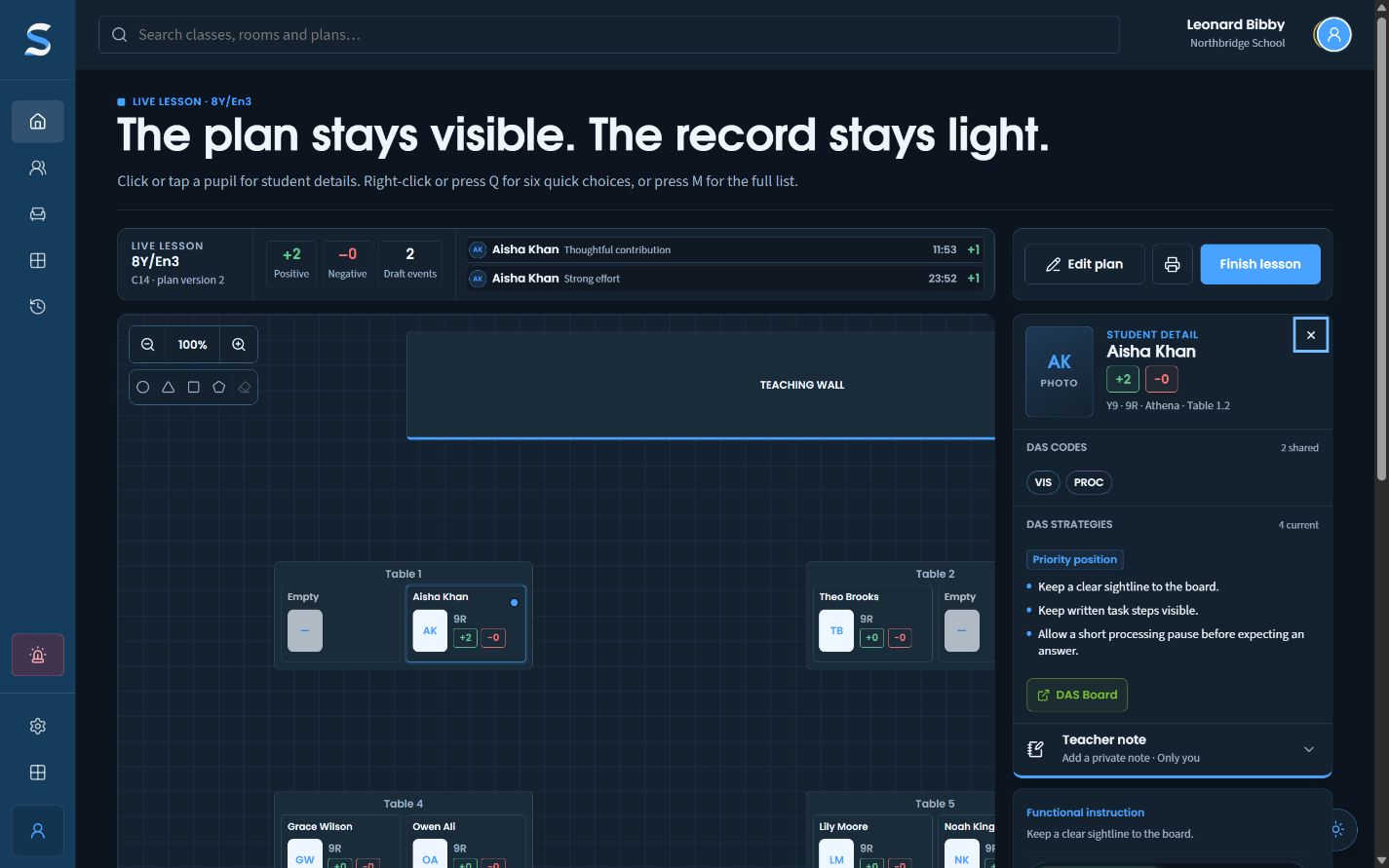
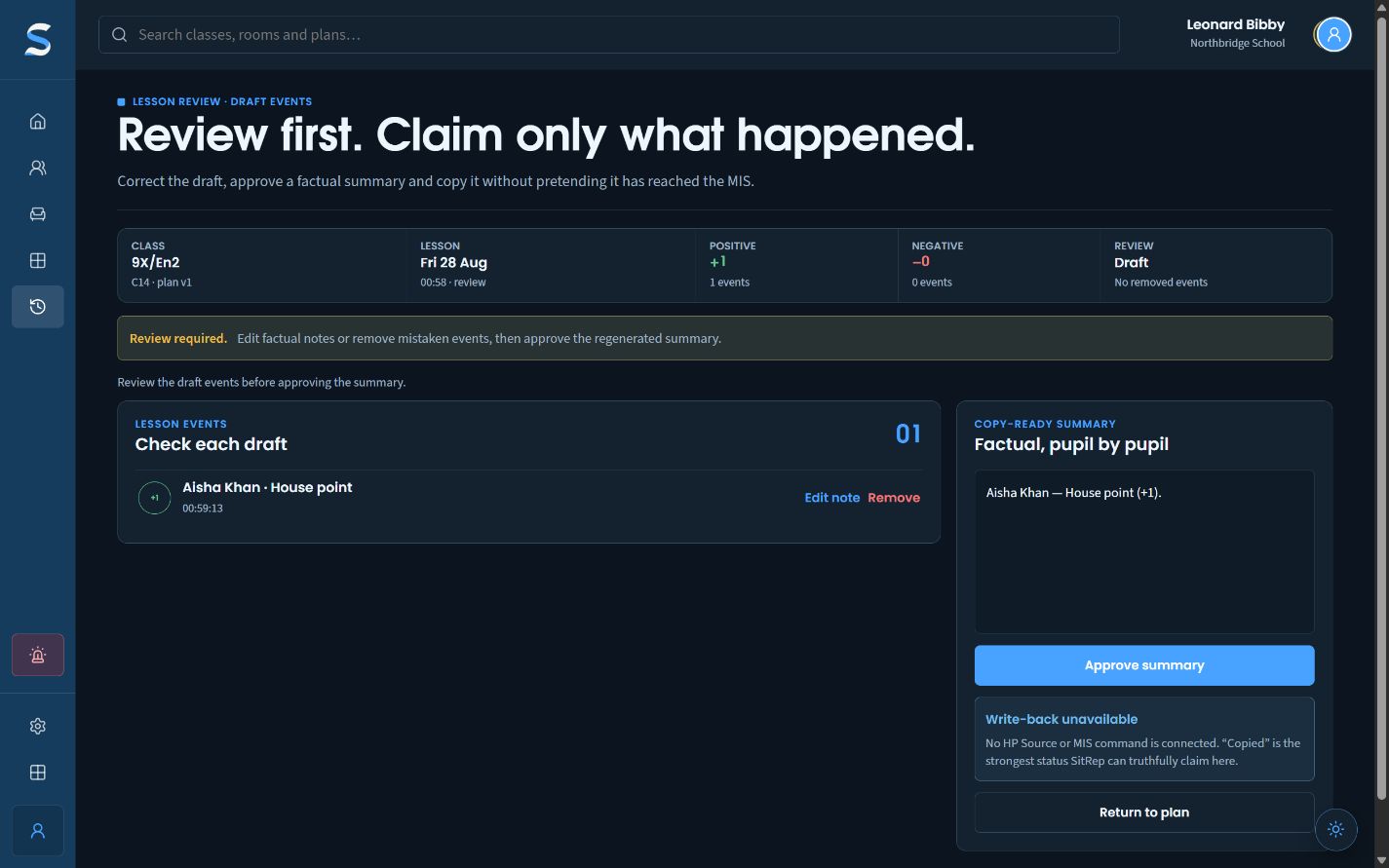
Approved DAS strategies stay one pupil tap away during the lesson. A quick classroom action then becomes a SitRep draft for factual review afterwards.

A populated SitRep live lesson with its seating plan and draft totals visible together.Fictional Northbridge School data
  1. 01Open approved support
  2. 02Add a short draft
  3. 03Review before copying
Open the workflow

What the captures prove

A finished workflow, not a fictional promise.

The screens show SitRep working against local synthetic data. They demonstrate the product’s interaction and review model; they do not claim a live MIS connection, external write-back or real pupil deployment.